



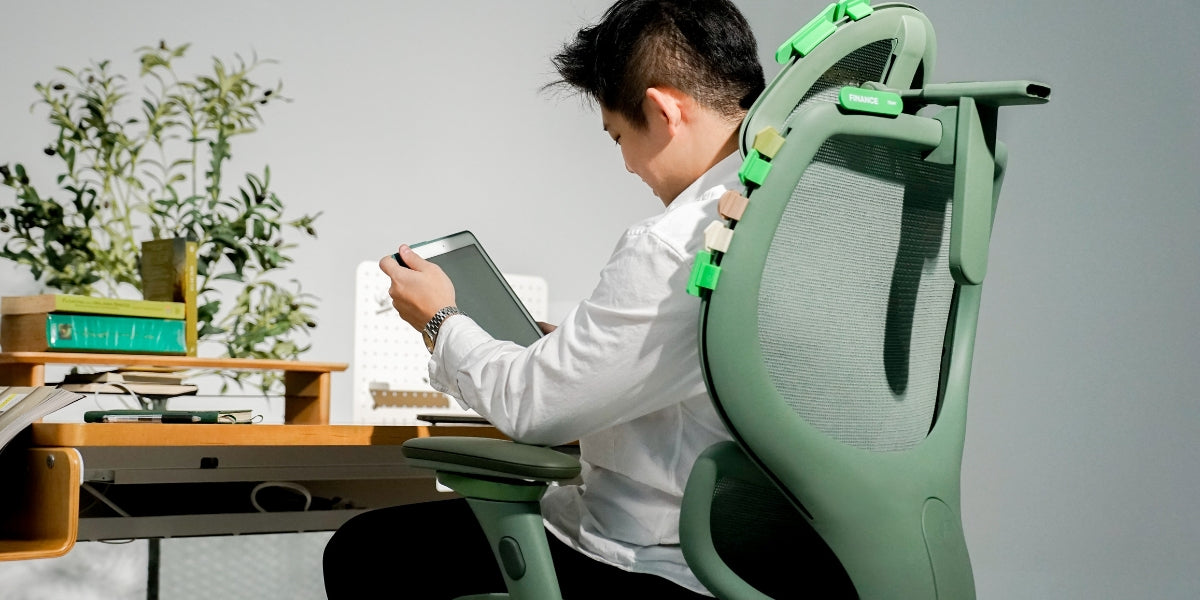
Quick answer: Set your chair height first so your feet are flat and your knees are near 90 degrees. Then set your desk height so your elbows rest at about 90 degrees with shoulders relaxed. If your desk is fixed and too high, raise the chair to elbow height and add a footrest so your legs stay supported.
If your wrists ache, your shoulders creep up, or your feet dangle under the desk, your chair and desk are fighting each other. One of them is almost always at the wrong height, and fixing only one of them rarely solves the day.
Most people set the chair first, or the desk first, then wonder why their elbows still sit above the keyboard or their feet never quite reach the floor. The real job is setting chair height and desk height together.
Here's how to match them in a few minutes, whether you're short, tall, sharing a desk with kids, or stuck with a fixed 74cm table.
TL;DR
- Correct chair and desk height means: feet flat, knees near 90 degrees, elbows at desk height, shoulders relaxed, wrists straight.
- Set chair height first for the legs, then desk height for the arms.
- If the desk is fixed and too high, raise the chair and add a footrest. Do not leave feet dangling.
- Kids and shorter adults often need a desk that drops below the usual 72-75cm fixed height. A low range around 60cm covers most primary homework setups.
- Standing desk height uses the same elbow rule: desk at standing elbow height, shoulders down.
- A published seat-height range or desk min/max is a starting point. Your torso-to-leg ratio still decides what feels right. Pair this with our guide on whether your office chair is actually built for your body.
On this page
- Why chair height and desk height have to move together
- Chair and desk height at a glance
- Three steps to set them up together
- Standing desk height
- When a wider desk range matters
- How to check the pair
- Chair and desk height FAQ
- Quick checklist
Why chair height and desk height have to move together
Chair height is about your legs. Desk height is about your arms. If you only lower the chair so your feet are flat, a fixed desk can end up above your elbows, which hikes the shoulders and parks the wrists on the table edge. If you only raise the chair so your elbows reach the desk, your feet can leave the floor and your lower back starts compensating.
That mismatch shows up in the same posture problems people report most: seat too high, desk too high relative to the chair, wrists on the edge, shoulders aching. The fix is a sequence, not a single dial.
Research on ergonomic workplace changes keeps linking setups that fit the body to lower discomfort. Getting chair and desk height right is the foundation that seat depth, armrests, monitor height and laptop stands sit on top of.
Chair and desk height at a glance
People also search for "what is the best desk height for sitting", "correct chair height for desk", and "standing desk height". Use this table as a starting point, then fine-tune with your own elbows and feet.
| Setup | Chair height (rough guide) | Desk height (rough guide) |
|---|---|---|
| Kids homework (about 120-140cm tall) | Seat low enough for feet flat, often around 30-36cm | Around 52-60cm |
| Teens and shorter adults | Feet flat, knees near 90 degrees | Elbow height sitting, often 65-72cm |
| Average adults | Feet flat, thighs roughly parallel to the floor | Elbow height sitting, often 72-76cm |
| Standing work / standing desk height | Not in use | Elbow height standing |
Fixed desks in many homes and offices still sit around 72-75cm. That works for a lot of average adults. It is less kind to shorter users and kids unless the chair and foot support catch up, or the desk can drop lower.
Three steps to set chair height and desk height together
Step 1: Set your chair height first
Sit all the way back with your lower back touching the backrest. Adjust the seat until your feet rest flat on the floor and your thighs feel roughly parallel to the ground. Knees should sit near 90 degrees.
If your feet dangle, the seat is too high. Lower it. If your knees sit higher than your hips, you may be too low for that seat, or seat depth and backrest need a separate check from a full chair fit guide.
Step 2: Set your desk height to your elbows
With shoulders relaxed, elbows should rest at about 90 degrees with forearms lightly supported. If shoulders hike up, the desk is too high. If you hunch down to reach the keyboard, the desk is too low.
With an adjustable desk or standing desk, raise or lower it to elbow height and you are done. With a fixed desk, most shorter users end up with the work surface above their elbows. That is when wrist pain and shoulder ache usually start.
Step 3: Fix the mismatch
When the desk is fixed and too high for your elbows, do this in order:
- Raise the chair until elbows sit at about 90 degrees with relaxed shoulders.
- Add a footrest or stable stool so feet stay flat and knees stay near 90 degrees.
- Bring the screen up to eye level with a monitor arm or laptop stand so you do not fix the arms and break the neck.
The footrest is doing real work here. It keeps the legs supported so raising the chair does not create a new problem under the desk.
What about standing desk height?
Same rule, standing up. Set standing desk height to your standing elbow height so forearms rest at about 90 degrees with shoulders relaxed. Wrists stay straight, not bent up against a surface that is too high.
If you alternate sitting and standing, save two presets if your desk allows it. One touch to switch beats guessing every time. Pair sit-stand blocks with a chair that still fits when you sit back down.
Research on chair and workstation fit keeps highlighting the same point: posture improves when furniture matches the body, not when the body is forced to match fixed furniture.
When a wider desk range actually matters
A fixed 74cm desk and a basic chair only offer so many combinations. That is fine if you are near the average band most furniture is built around. It gets tight if you are shorter, sharing with kids, or you want real standing height without stacking boxes under the monitor.
A height adjustable desk that moves from around 60cm up through sitting height and into standing height covers homework blocks, adult WFH, and short standing focus sessions on one footprint. That is the same "outside the average" problem as chair sizing, applied to the work surface.
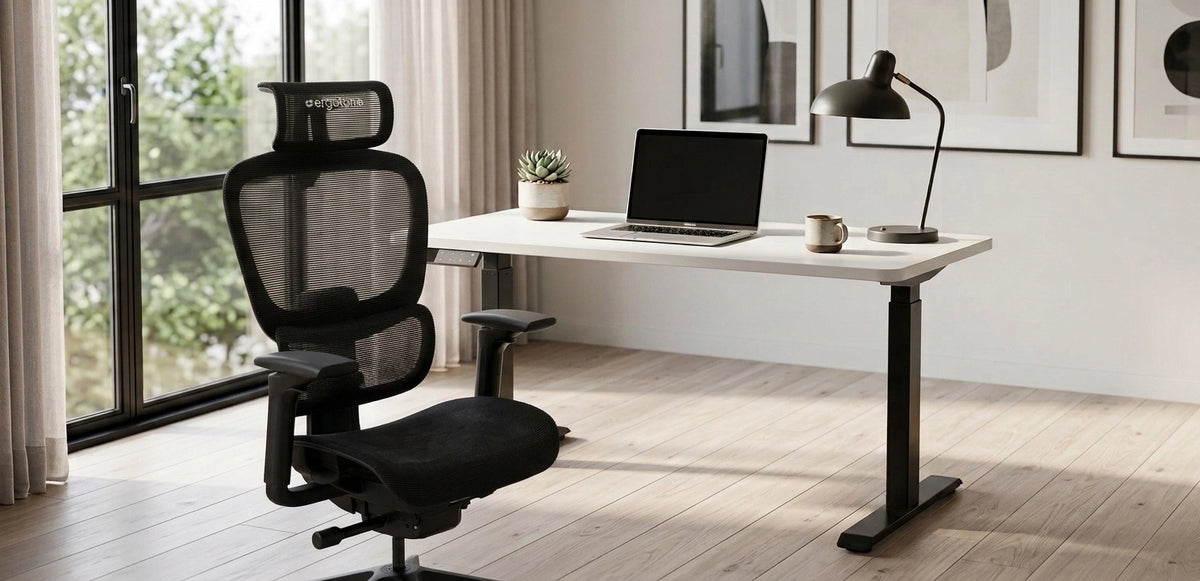
The ErgoTune Pro moves from 60cm to 125cm, so it can reach both lower sitting heights and adult standing desk height. Pair it with a chair you can dial in for seat height, like the Joobie or compact Joobie Lite, and you are solving legs and arms in one setup.
How to actually check the pair (not just one number)
Run this once at the start of the day, or any time something starts to ache.
- Feet. Flat on the floor or a footrest. Not dangling. Not tip-toe.
- Knees. Near 90 degrees. Not pushed up higher than your hips.
- Elbows. Near 90 degrees at the desk, shoulders relaxed, not hiked.
- Wrists. Straight while typing. Not resting hard on the desk edge.
- Screen/monitor height. Top of the display at or just below eye level, about an arm's length away.
- Seat depth (while you are there). Two to three fingers behind the knees so raising the chair does not shove you onto the seat edge.
If you are ordering online, measure the chair you already use: floor to back of knee for minimum seat height, and elbow height while seated for target desk height. Check both against the spec sheet before the box arrives.
Even then, numbers are an estimate. A trial period is there so your shoulders and wrists can vote.
Chair and desk height FAQ
What is the best desk height for sitting?
Elbow height while sitting with relaxed shoulders. For many adults that lands around 68 to 76cm, but go by your elbows, not the number on the product page.
What is the correct chair height for a desk?
Feet flat on the floor, knees near 90 degrees, thighs roughly parallel to the floor. Set this first, then match the desk to your elbows.
Should my chair be higher or lower than my desk?
Neither is the goal. Set the chair for your legs, then the desk for your arms. If the desk is fixed, raise the chair to elbow height and support your feet with a footrest.
Why do my shoulders or wrists ache at my desk?
Usually the desk sits above your elbows, the chair is too low relative to the desk, or the armrests push your shoulders up. Lower the desk if you can, or raise the chair and add a footrest until shoulders drop and wrists stay straight.
What desk height suits kids?
One that lets their feet stay flat with elbows at about 90 degrees, often around 52 to 65cm depending on height. A height adjustable desk that lowers to about 60cm covers most primary ages.
How do I set standing desk height?
Stand tall with relaxed shoulders and set the desk so elbows are near 90 degrees and wrists stay straight on the keyboard. Save a sitting preset and a standing preset if your desk has memory buttons.
Quick checklist
- Chair first for the legs, desk second for the arms
- Feet flat, knees near 90 degrees
- Elbows near 90 degrees, shoulders down
- Fixed desk too high → raise chair + footrest, then fix monitor height
- Standing desk height → same elbow rule, save a preset if you can
Ready to stop fighting the furniture?
Getting chair height and desk height to agree matters more than owning the tallest standing desk on the market. If your current table is stuck at one height, start with the sequence above. If you need a wider range for kids, shorter sitting heights, or real standing blocks, look at a height adjustable desk and a chair you can actually dial in.
Browse the ErgoTune Pro and the chairs collection. Many ErgoTune chairs include a trial window so you can test the full setup at home, not only the marketing range on the page.