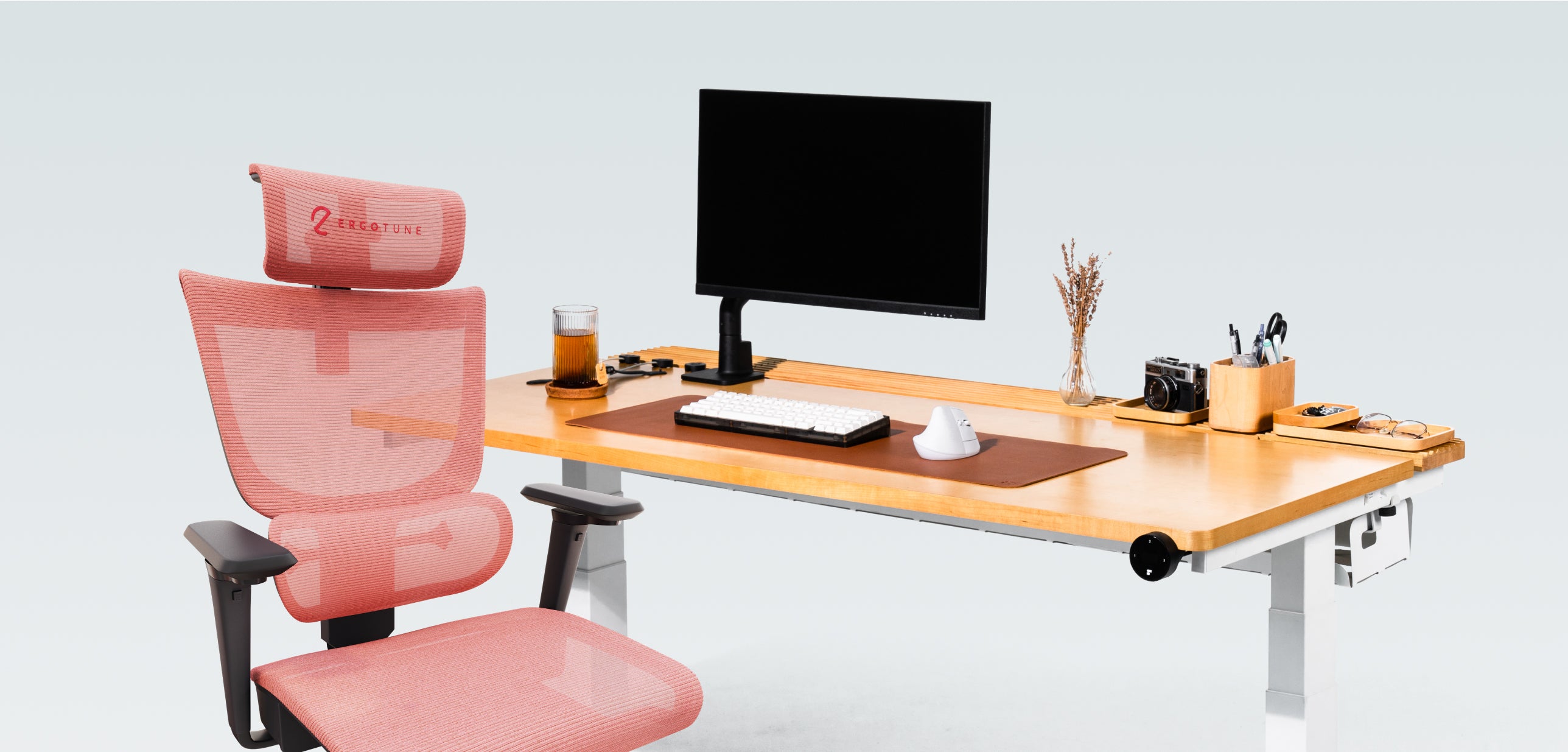


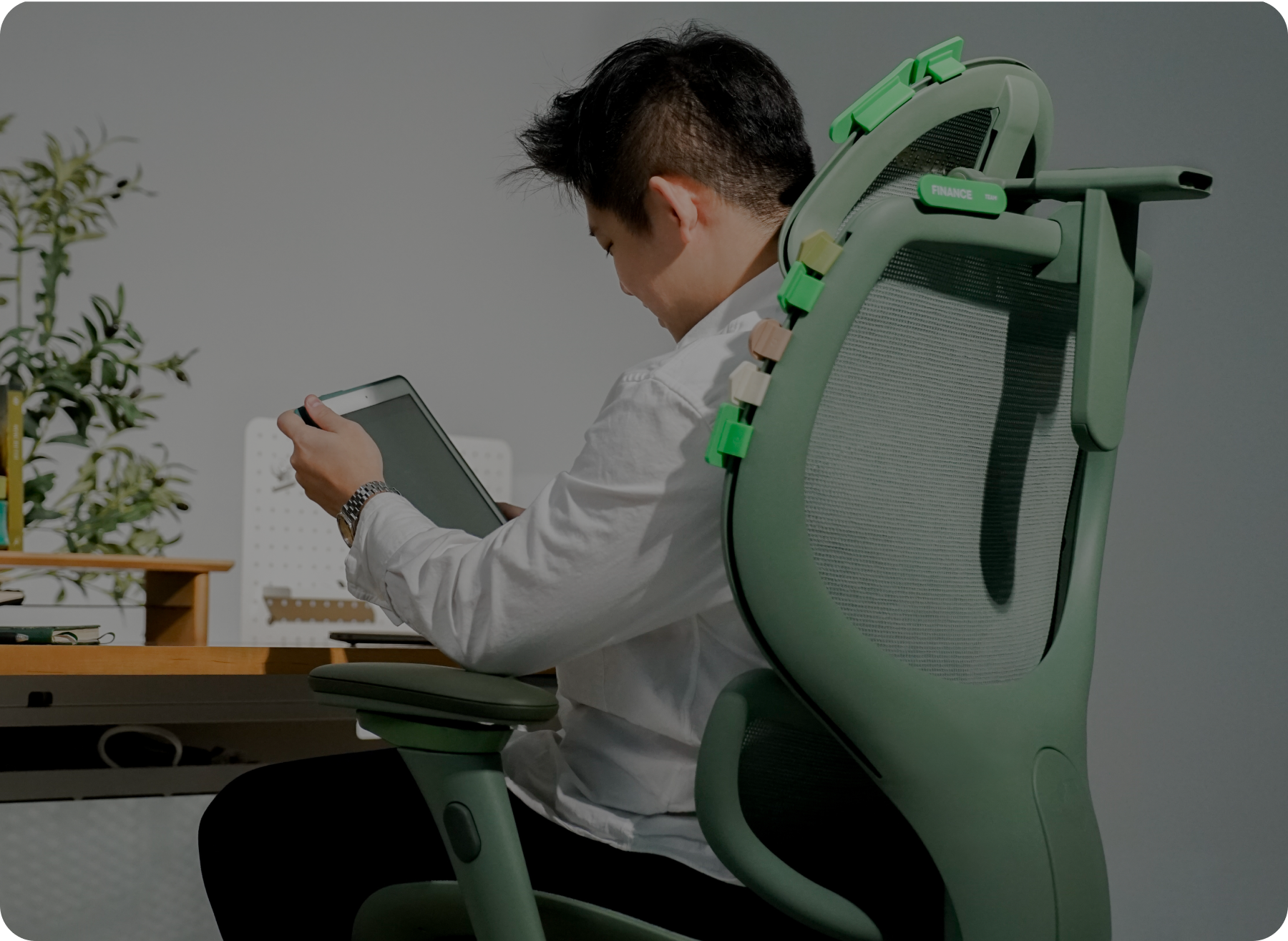



Correct sitting posture: feet flat on the floor, knees near 90 degrees, hips back against the backrest, elbows at desk height, shoulders relaxed, and the top of your screen at eye level. Most posture pain comes from a setup problem, such as a seat that is too high or a screen that is too low, not from a lack of discipline.
Most of us know we should "sit up straight." Very few of us know what that actually looks like, or why our body slumps, arches, or hunches no matter how hard we try.
Here is the good news: bad sitting posture is rarely a discipline problem. It is usually a setup problem. A seat that is a bit too high, a monitor that is a bit too low, or an armrest that pushes your shoulders up all quietly pull your body out of position, hour after hour.
Quick take: Correct sitting posture comes down to a handful of adjustments: feet flat, hips back, back supported, elbows at desk height, and screen at eye level. Below are the 9 most common posture problems we hear from customers, what causes each one, and the simple fix.
What correct sitting posture looks like
Before we get into the problems, here is the target position:
- Feet flat on the floor, knees roughly level with your hips (about 90 degrees)
- Hips all the way back in the seat, with the backrest supporting your lower back
- A small gap between the seat edge and the back of your knees
- Elbows close to your body, forearms resting lightly at desk height
- Shoulders relaxed, not hiked up
- Eyes level with the top third of your screen, head stacked over your shoulders
No position is perfect for hours, so movement matters too. But recent research on ergonomic workplace changes keeps pointing to the same idea: when the setup fits your body, discomfort tends to drop. Let's look at where setups usually go wrong.
The 9 problems at a glance
| Problem | What you feel | Quick fix |
|---|---|---|
| 1. Sitting on the seat edge | Back unsupported, tired lower back | Hips all the way back, two to three fingers behind the knees |
| 2. Backrest reclined too far | Lower back arches to reach the keyboard | Backrest close to upright for typing |
| 3. Seat too high | Tiptoes, knees pointing inward, arched back | Lower the seat until feet are flat and knees are near 90 degrees |
| 4. Seat too deep | Seat presses the knees, you slide forward | Adjust seat depth or add back support |
| 5. Headrest off | Head pushed forward, no support when reclined | Cradle the back of the head, not the neck |
| 6. Screen height wrong | Sore neck | Top of screen at or just below eye level, an arm's length away |
| 7. Laptop stand at 45 degrees | Wrist pain | Add a separate keyboard and mouse |
| 8. Desk too high or chair too low | Wrists on the edge, shoulders creeping up | Raise the chair to elbow height and add a footrest, or lower the desk |
| 9. Armrests too high | Shoulder and neck tension | Lower the armrests just under your elbows, flush with the desk |
1. You sit on the edge of the seat

What happens: You perch at the front of the chair, with your back nowhere near the backrest. Usually this happens because the seat is too deep for your legs, and the front edge digs into the back of your knees when you sit all the way back.

The fix: Slide your hips all the way back until your lower back touches the backrest. Then check the gap: you want roughly two to three fingers between the seat edge and the back of your knees. If the seat is too deep, adjust the seat depth if your chair allows it, or add a small cushion behind your back so your knees have room.
2. Your backrest is reclined too far

What happens: You lean back so far that your lower back arches away from the chair to reach the keyboard. That over-arch puts extra strain on your lower spine.

The fix: For focused desk work, set the backrest close to upright, just slightly open so you feel supported but not pushed forward. Save the deeper recline for breaks, calls, or reading. If you need to lean back while typing, bring your screen and keyboard closer so you are not reaching.
3. Your seat is too high

What happens: When the seat is too high, your feet can no longer rest flat on the floor. You end up on tiptoes, your knees bend inward to compensate, and your lower back arches to hold you steady.

The fix: Lower the seat until your feet rest flat and your thighs are roughly parallel to the floor, with knees at about 90 degrees. If lowering the seat puts you too low for your desk, do not raise the chair. Use a footrest instead (more on that in problem 8).
4. The seat is too deep for your legs

What happens: A deep seat base presses into the back of your knees. Because you cannot sit fully back, you slide forward, and suddenly the backrest and headrest are too far away to do their job.

The fix: Choose or adjust a seat depth that leaves two to three fingers of space behind your knees. Research on chair design and sitting posture highlights that how the seat and backrest fit your body affects how neutral your spine stays. Shorter users especially benefit from a shallower seat setting.
5. Your headrest is too high, too low, or too far away

What happens: A headrest that sits too high pushes your head forward. One that sits too low misses your head completely, and one set too far back is out of reach, so it never supports you when you lean back.

The fix: Adjust the headrest so it cradles the back of your head, not your neck, when you recline slightly. Bring it forward until it lightly touches without pushing your head ahead of your shoulders. If you sit upright most of the day, the headrest matters mainly for your breaks, so set it for the position you actually use.
6. Your monitor or laptop is at the wrong height

What happens: A screen that is too high makes you tilt your head up, which leads to a sore neck. A screen that is too low, like a laptop flat on the desk, makes your head drop forward and your neck overarch to look down.

The fix: Set the top of your screen at or just below eye level, roughly an arm's length away. A monitor arm makes this easy to fine-tune. For a laptop, raise it on a stand so the screen sits at eye level.
7. Your laptop stand is angled at 45 degrees

What happens: A stand that tilts the laptop steeply fixes your neck, but it forces your wrists to bend upward to type. Over time that shows up as wrist pain.

The fix: Pair the laptop stand with a separate keyboard and mouse. The stand lifts the screen to eye level, and the keyboard stays flat at elbow height so your wrists stay neutral. This one small change fixes two problems at once.
8. Your desk is too high, or your chair is too low

What happens: When the desk sits above your elbows, your wrists end up resting on the table edge and your shoulders creep up toward your ears. It is the same result whether the desk is too high or the chair is too low, and it often leads to wrist and shoulder aches.

The fix: Raise your chair until your elbows rest at about 90 degrees with your shoulders relaxed. If that lifts your feet off the floor, add a footrest or a stable stool so your legs stay supported. If you have an adjustable desk, lowering the desk is even better: set it to elbow height and keep your seat where your feet stay flat.
9. Your armrests are too high

What happens: Armrests set too high push your shoulders up, so you are carrying tension in your neck and upper back all day.

The fix: Lower the armrests until they sit just under your elbows when your shoulders are relaxed, and slide them in so they are flush with the desk edge. Your forearms should rest lightly on them without lifting your shoulders.
Your 60-second posture reset
Run through this once at the start of each day, or any time you notice discomfort:
- Hips back, lower back against the backrest
- Seat height so feet are flat and knees are near 90 degrees
- Two to three fingers of space behind your knees
- Backrest close to upright for typing
- Armrests just under your elbows, flush with the desk
- Screen top at eye level, an arm's length away
- Keyboard and mouse at elbow height, wrists straight
Then move. Stand up, stretch, or walk for a minute every half hour or so. Even great posture is best in short stretches.
Posture FAQ
How should I sit at my desk?
Sit with your hips back against the backrest, feet flat on the floor, and knees near 90 degrees. Keep your elbows close to your body at desk height and your shoulders relaxed.
How high should my monitor be?
Set the top of your screen at or just below eye level, roughly an arm's length away. Raise a laptop on a stand and use a separate keyboard.
What is the right chair height for a desk?
Your feet should rest flat on the floor with thighs roughly parallel to the ground. If the desk is then too high for your elbows, add a footrest or lower the desk.
Is it bad to cross my legs while sitting?
Crossing your legs for a few minutes is fine. Feet flat is the better default because it keeps your hips level and your weight even.
How often should I take a break from sitting?
Stand up, stretch, or walk for a minute every half hour or so. Short, regular breaks work better than one long break.
When your chair is the limit
Sometimes the setup fights you no matter how carefully you adjust. A fixed seat depth, armrests that will not lower, or a backrest that cannot hold an upright position all make good posture harder than it needs to be.
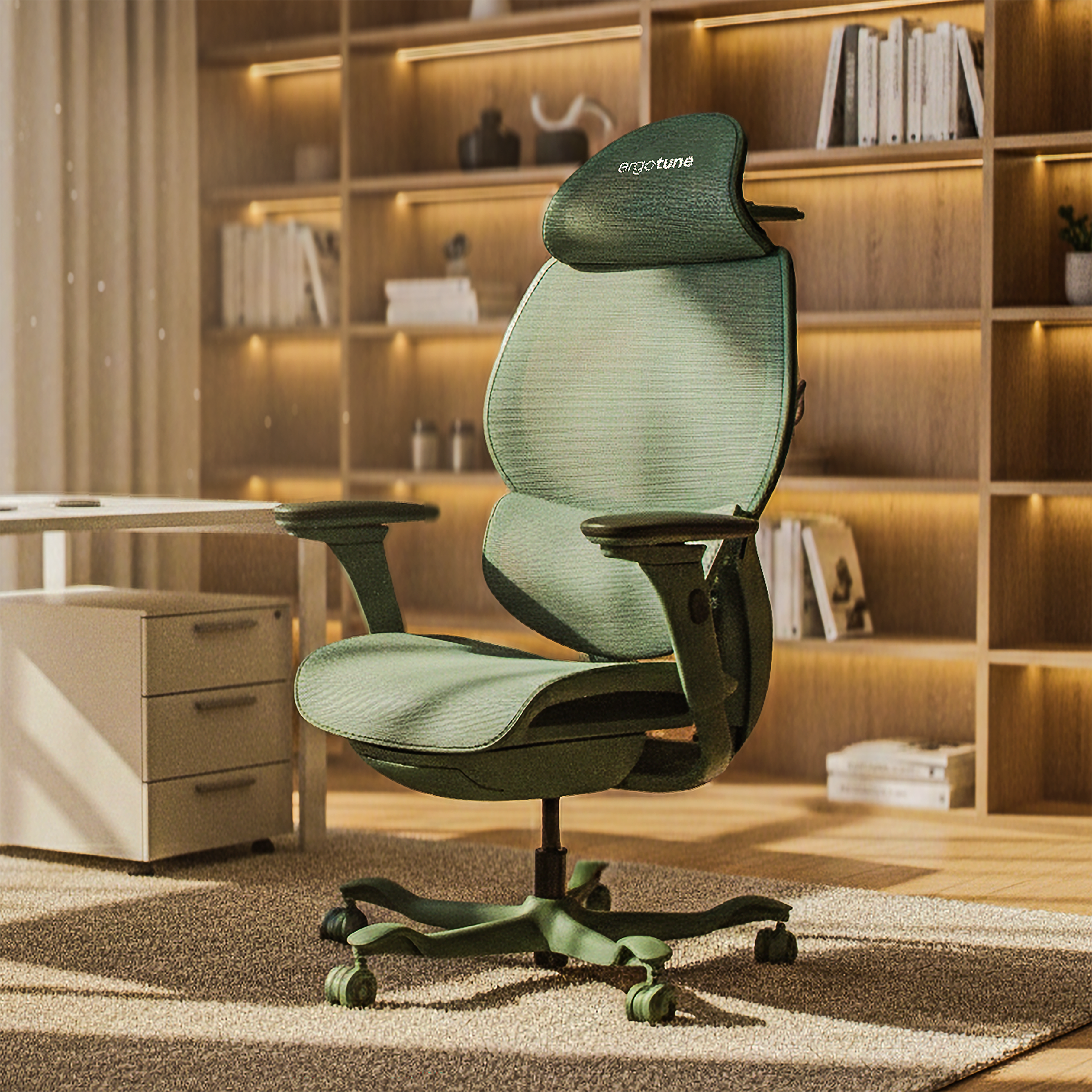
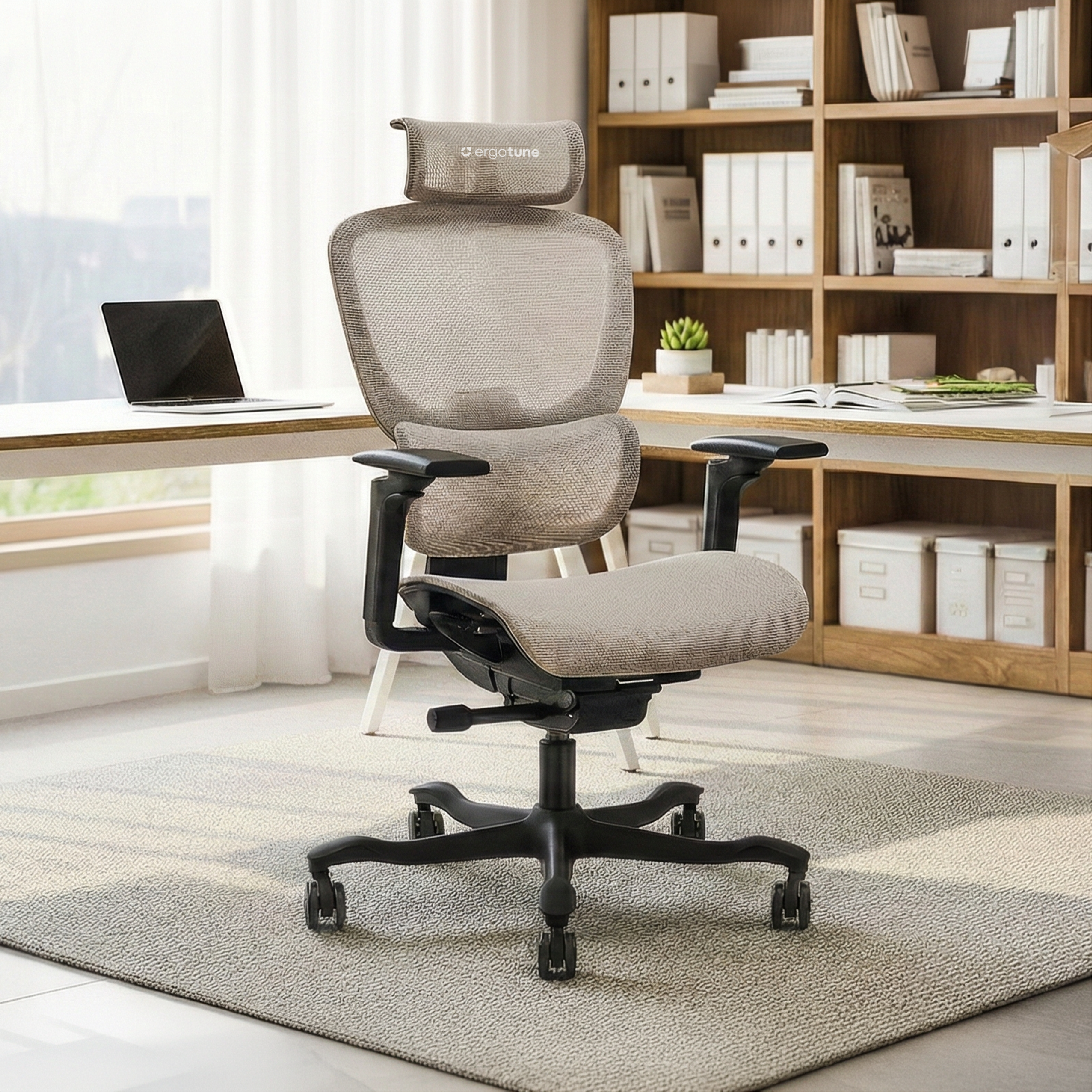
A chair with adjustable seat height, backrest, armrests, and headrest gives you room to dial in each of the fixes above. You can browse the Joobie, or the more compact Joobie Lite, which comes with a 6-year warranty and 21-day returns so you can test the fit properly at home. The full lineup is on the chairs collection.
Whatever you sit on, start with the small adjustments above. Your body will tell you within a few days which ones made the biggest difference.
Where to go next
- Screen too high or low, or wrists sore? A monitor arm or laptop stand plus a separate keyboard fixes most of it.
- Desk too high for your elbows? An adjustable desk like the ErgoTune Pro lets you set the exact height, and it goes as low as 60cm.
- Chair fighting you? Compare options on the chairs collection.
- Want to know what to expect from a new chair? Read our guide on how long an ergonomic chair takes to feel normal.