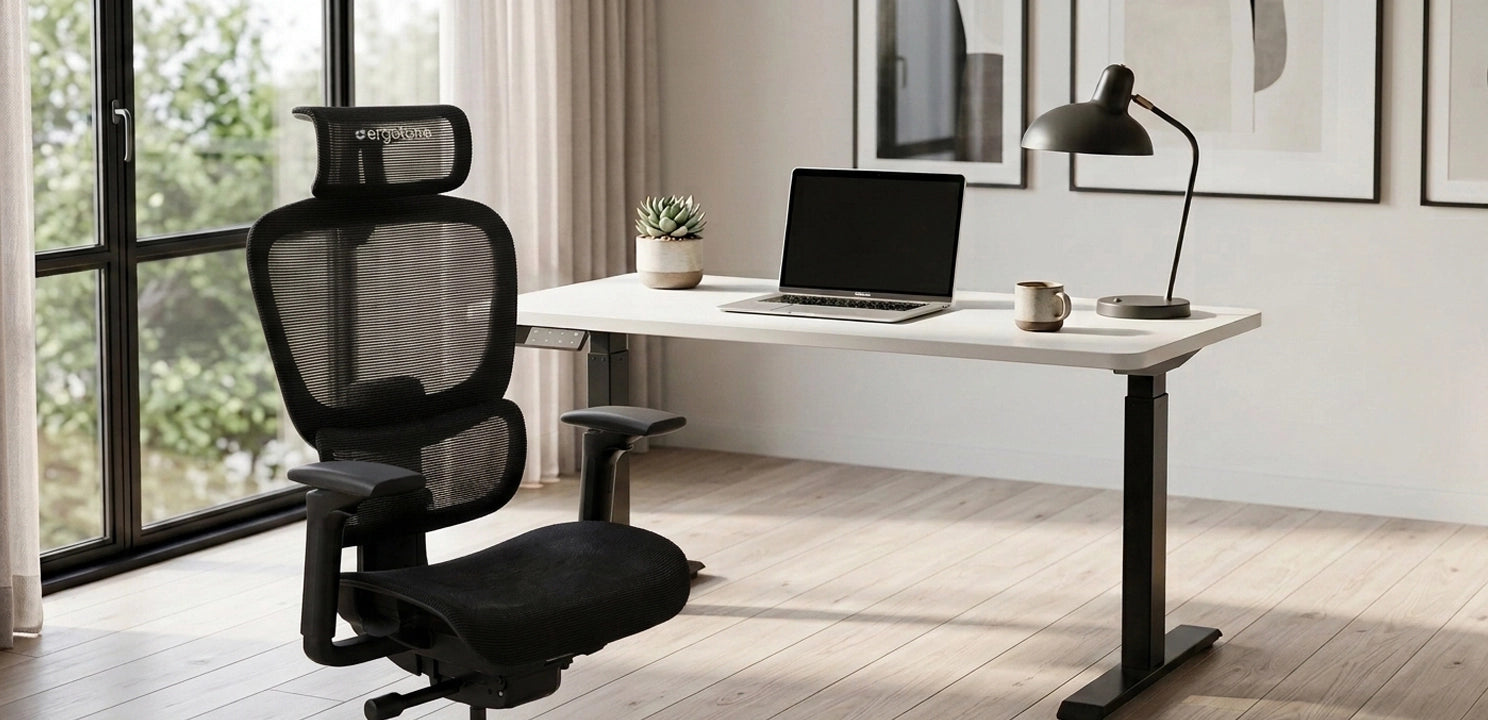

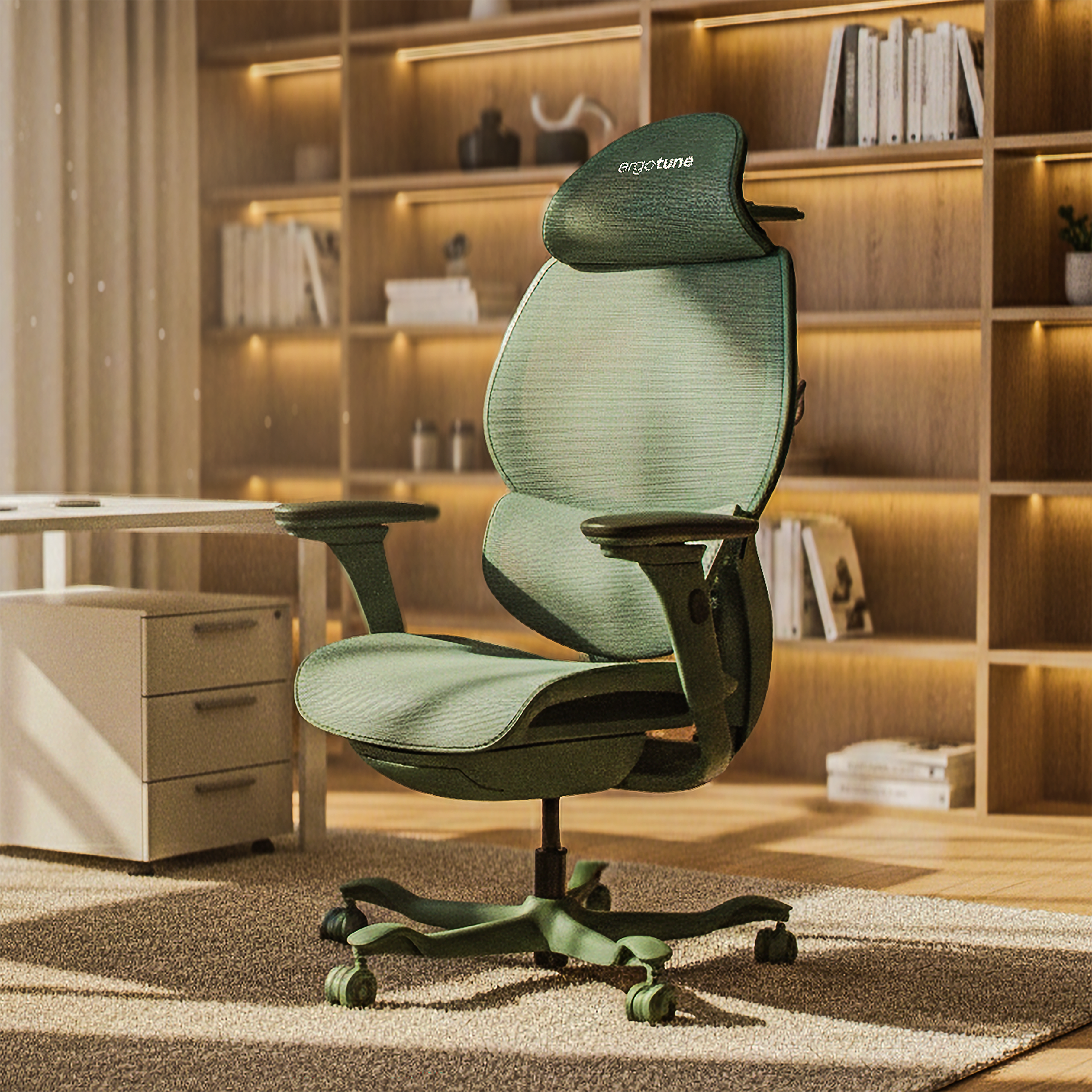
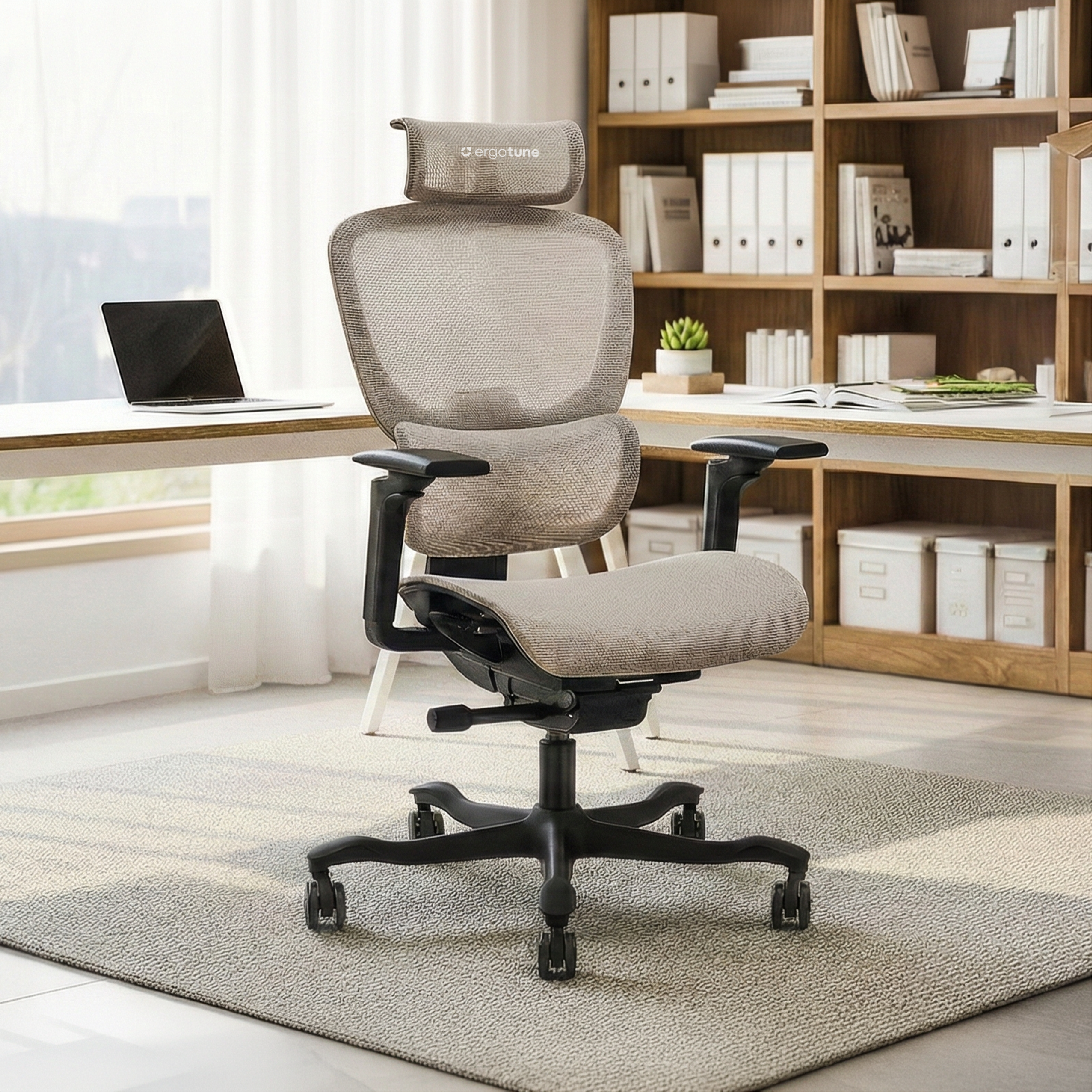

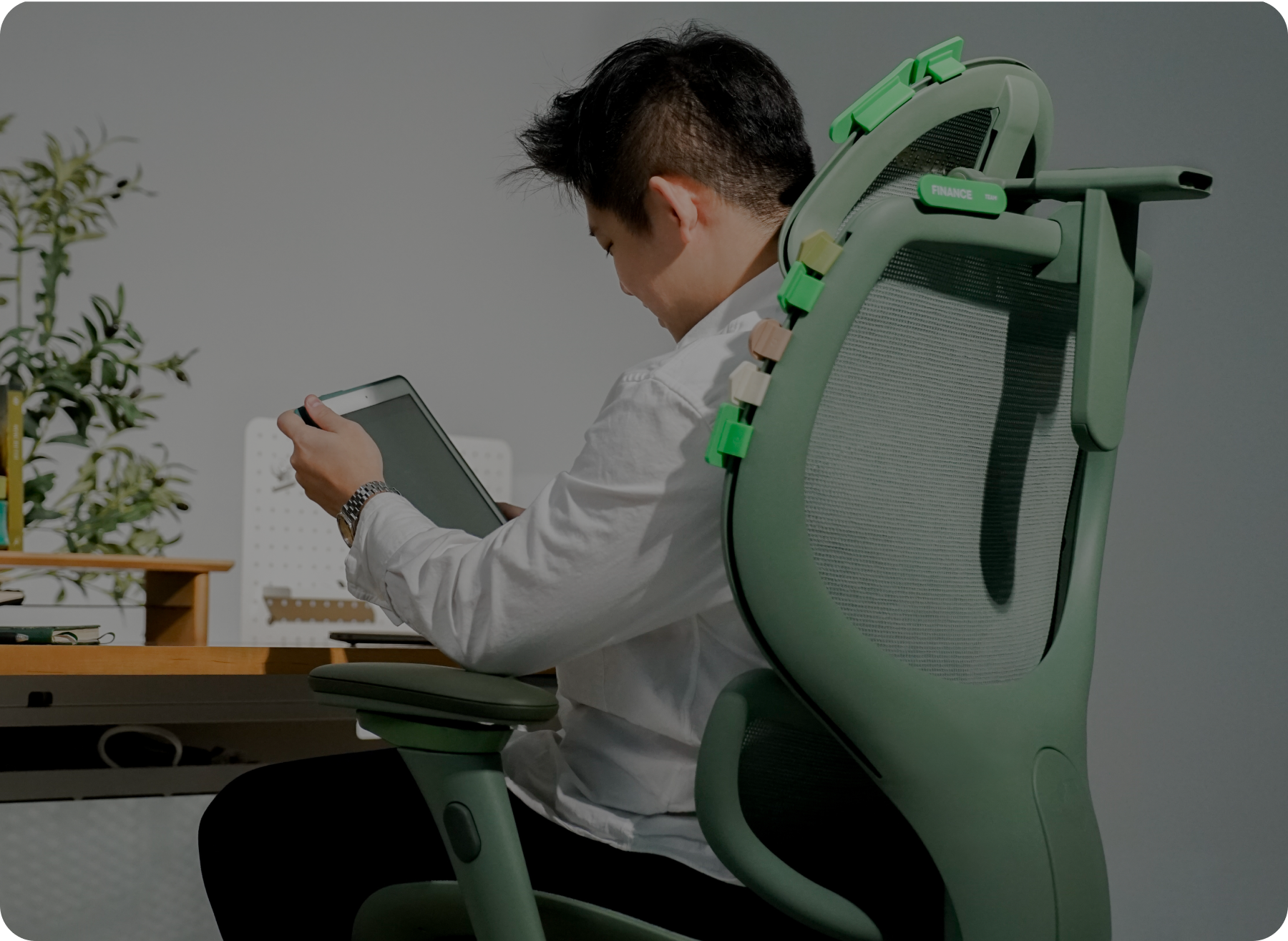



You unboxed the chair. You sat down. And instead of instant "ahhh," you got… different. Firmer. Higher. A little strange in the lower back.
That reaction is more common than product photos admit. A good ergonomic chair often feels unfamiliar at first because it is asking your body to sit differently from the slumped sofa-chair habit you trained for years.
Quick take: Most people need several full workdays, often closer to one to two weeks of real use, before a new chair feels "normal." Mild adjustment weirdness is common. Sharp pain, numbness, or fit that never improves after honest dialling-in is not something to push through.
Why a better chair can feel worse on day one
Your old chair taught you a default: sink, round the lower back, perch forward, hike the shoulders. A supportive seat and real lumbar contact interrupt that default. Muscles that were offline suddenly do work. Contact points you ignored for years start reporting for duty.
Research on office chair features during long sits shows lumbar support and seat geometry can shift you toward more neutral spine and pelvic postures. The same work also found that perceived pain can still show up for some people during prolonged sitting, even when posture looks better on paper. Better support is not the same as "zero sensation forever."
So day-one oddness is not automatic proof you bought the wrong chair. It is often proof the chair is actually doing something.
What "normal" usually looks like in week one
Think of week one as a setup week, not a final verdict.
Days 1-3
- The seat may feel firmer or more "present" under your sit bones
- Lumbar contact can feel obvious, even a bit pushy, until height and tension are right
- You keep reaching for levers because nothing is muscle memory yet
- Short sits feel fine; the 90-minute deep-work block is where complaints show up
Days 4-7
- You stop fighting the chair as much
- Small tweaks (seat depth, arm height, recline tension) start to stick
- End-of-day stiffness often drops if fit and breaks are both in play
- You notice when you have slid forward again, and you correct faster
If you only sat for ten minutes in a showroom, your body never got this chapter. Home delivery plus a real trial window exists for exactly this reason.
Week two: when "normal" starts to mean invisible
By the second week, a well-fitted chair should fade into the background more often. You open the laptop and work, instead of negotiating with the mesh every hour.
That is the real goal. Not a dramatic comfort high. Just fewer distractions from your back, neck, and legs.
You should still move. A 2024 randomised trial in young people with non-specific low back pain found a structured active-break programme over 12 weeks reduced pain and sitting-related low back discomfort compared with self-care advice alone. The chair holds you better; breaks still matter.
Broader reviews of ergonomic workplace changes also point the same direction: better setups can help reduce work-related muscle and joint pain for many people, without promising a miracle for every body region or every person.
How to dial in a new chair (order matters)
Most people who "hate" a new chair in week one have never actually set it up. They sit down, push the levers randomly, and judge the result. Change one thing at a time and work through this order before you decide anything.
Day 1, height only
Feet flat on the floor (or a stable footrest). Thighs roughly level. No dangling feet, no hips collapsed low. Then match desk and keyboard height to the chair, not the other way around.
Day 2, seat depth
Sit all the way back. Keep about two to three fingers between the seat edge and the back of your knees. Too deep and you slide forward; too shallow and your thighs lose support.
Day 3, lumbar
Place support in the small of your back, not your belt line and not between your shoulder blades. Start gentler on tension. Aggressive lumbar is a common reason people "hate" a good chair on night one.
Day 4, armrests
Shoulders down. Elbows close. Arms supported without hiking. If the chair cannot pull under the desk, lower or slide the arms so you are not reaching.
Day 5, recline tension
Unlock a little movement. A frozen upright pose all day is a fast route back to stiffness. Find tension that supports you when you lean, without launching you backward.
Day 6-7, headrest and micro-passes
Only after the above feels decent. Then do a full work block and note what still nags at minute 60.
Write three notes at the end of each day: what hurt, what improved, what you changed. Patterns beat vibes.
Mistakes that fake a "bad chair"
- Judging after one evening email session, you need a few real workdays
- Maxing every dial on day one, especially lumbar depth and tension
- Leaving the desk too high, the chair takes the blame for shrugged shoulders
- Laptop on the desk with no external keyboard or monitor plan, neck pain gets pinned on the seat
- Zero breaks, even a great chair cannot cancel six hours of frozen posture
- Comparing mesh to your old plush sink-seat, different job, different first impression
Normal adjustment vs red flags
Once the dial-in is done and a few full workdays have passed, it gets easier to tell the difference between expected adjustment and something that needs attention.
Usually fine in the first days (if it trends better)
- Mild awareness in the lower back where support is new
- Different pressure under the thighs until seat height and depth are right
- Shoulder fatigue if armrests are still too high or too wide
- A "I keep fidgeting" feeling while you learn the levers
Do not tough it out
- Sharp, shooting, or worsening pain
- Numbness, tingling, or pins-and-needles in legs or arms
- Headaches that clearly track with a too-high monitor and shrugged shoulders you cannot fix
- You have adjusted in a sensible order for several full days and nothing improves
If red flags show up, stop guessing. Reset the setup, shorten continuous sits, and talk to a qualified clinician if symptoms are strong or persistent. A chair is furniture, not treatment.
How to use a trial the smart way
If your chair comes with a multi-week trial, treat it like a structured test, not a maybe-someday return label.
- Assemble fully and set height before you decide anything emotional
- Work your normal hours in it for at least several consecutive days
- Keep the old chair out of rotation so you do not reset the experiment every afternoon
- Re-check fit after you change shoes, desk height, or monitor arm
- Decide near the end of the window with notes, not on a tired Friday night impulse
ErgoTune's chairs are built for this kind of living-room-to-desk reality check. Models like the Joobie give you the levers most people actually need in those first two weeks (seat height and depth, adjustable lumbar, multi-way arms, recline), plus a long enough trial mindset to stop guessing after one sit.
A simple two-week checklist
- Feet supported; thighs not compressed
- Back against the backrest for most of typing time
- Lumbar in the small of the back, firm but not shoved
- Shoulders relaxed on the armrests
- Screen roughly at or just below eye level
- Short movement breaks on a timer you will obey
- Discomfort trending down across the week, not up
By day 14, you want the chair to feel ordinary in the best way: supportive enough that you forget it, adjustable enough that a long afternoon does not unravel your neck.
If you are still in the "is this normal?" phase, stay the course on fit first. Adjust in order, move on purpose, and give your body honest workdays before you rewrite the whole setup. When you want a chair designed around that kind of fine-tuning, browse the ErgoTune chair lineup and use the trial window the way it was meant to be used.