



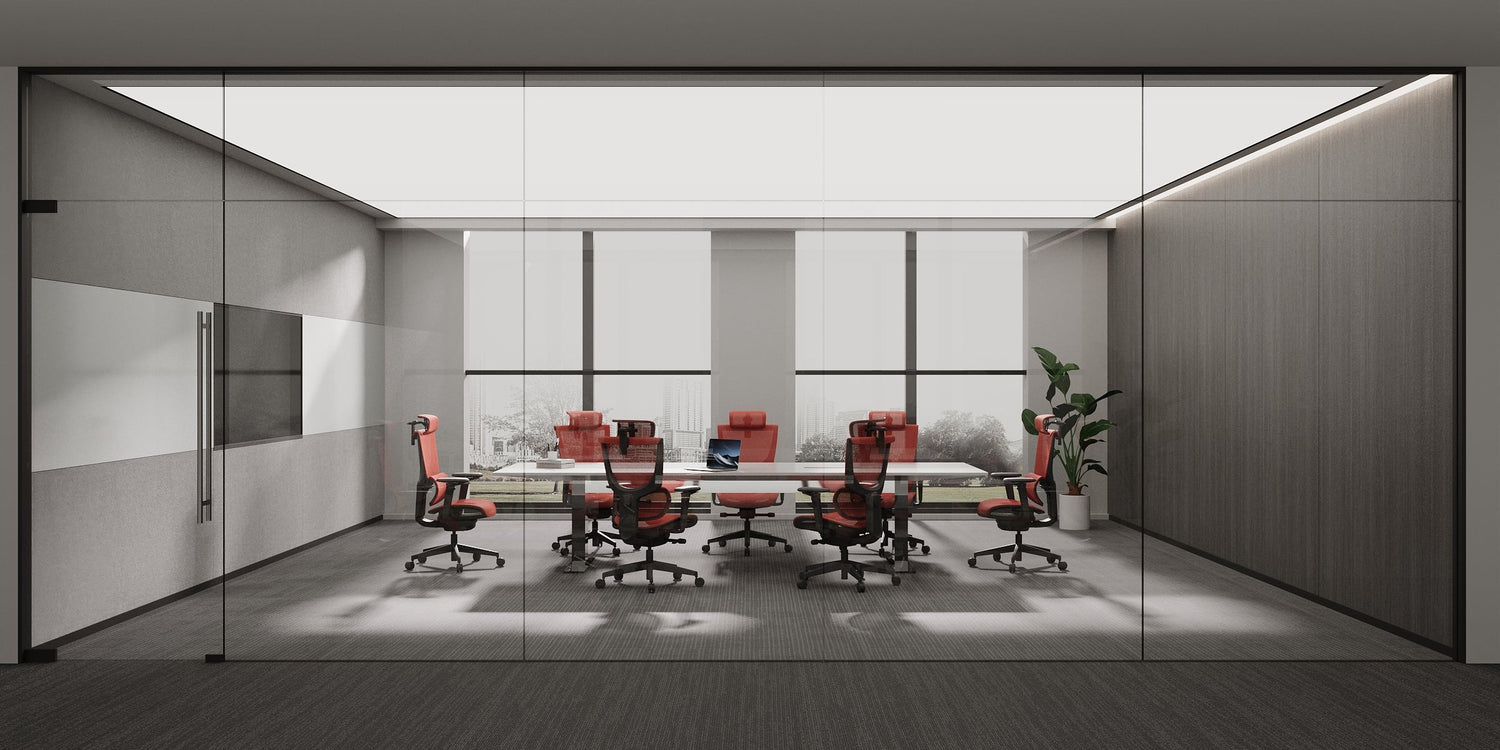
Description
A practical, step-by-step guide to setting up an ergonomic home office that reduces back pain, prevents wrist strain, and helps you stay comfortable and productive all day long.
How to Set Up an Ergonomic Home Office (That Actually Works)
Working from home doesn't have to hurt. A proper ergonomic setup means adjusting your chair so your feet rest flat on the floor, positioning your monitor at arm's length with the top at eye level, keeping your keyboard and mouse at elbow height, and taking short breaks every 20 to 30 minutes. Get these four things right, and you'll feel a real difference by the end of the week.
Why Ergonomics Actually Matters
Most people set up their home office by grabbing whatever chair is nearby, placing their laptop on the kitchen table, and calling it a day. A few weeks later, the neck pain starts.
Here's the thing: discomfort at your desk is not inevitable. The right setup takes about 15 minutes to get right, and the payoff is significant. A study published on PubMed found that employees with an adjustable desk, adjustable chair, and ergonomics training had significantly greater odds of reporting improved comfort while working from home. The same study found that ergonomics training combined with an external keyboard and an adjustable desk was associated with improved productivity.
Let's walk through every key element of a solid ergonomic home office setup.
How Do I Set Up My Chair Correctly?
Your chair is the foundation of your entire setup. Get this wrong, and every other adjustment is fighting an uphill battle.
According to Mayo Clinic's office ergonomics guide
- Height: Adjust the chair so your feet rest flat on the floor. If your feet dangle, use a footrest so your thighs are parallel to the floor.
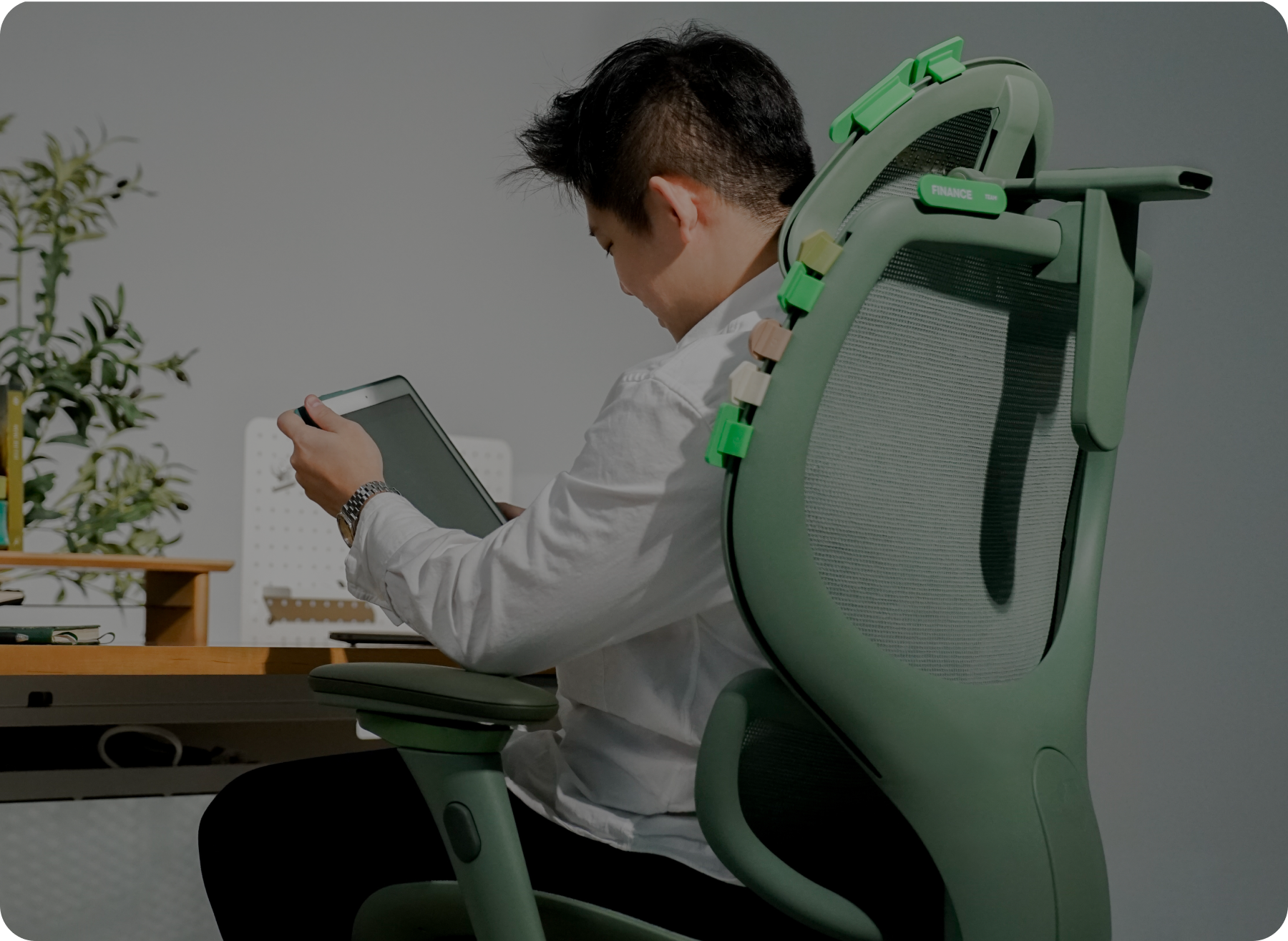
- Armrests: Position them so your arms sit gently on the rests, with your elbows close to your body and your shoulders relaxed.
- Back support: Your lower back should make contact with the chair's backrest. You want your spine supported in its natural curve, not hunched forward.
If you're in the market for a new chair, look for one with adjustable lumbar support, seat height, and armrests. A chair that fits your body is worth far more than a stylish one that leaves you slouching.
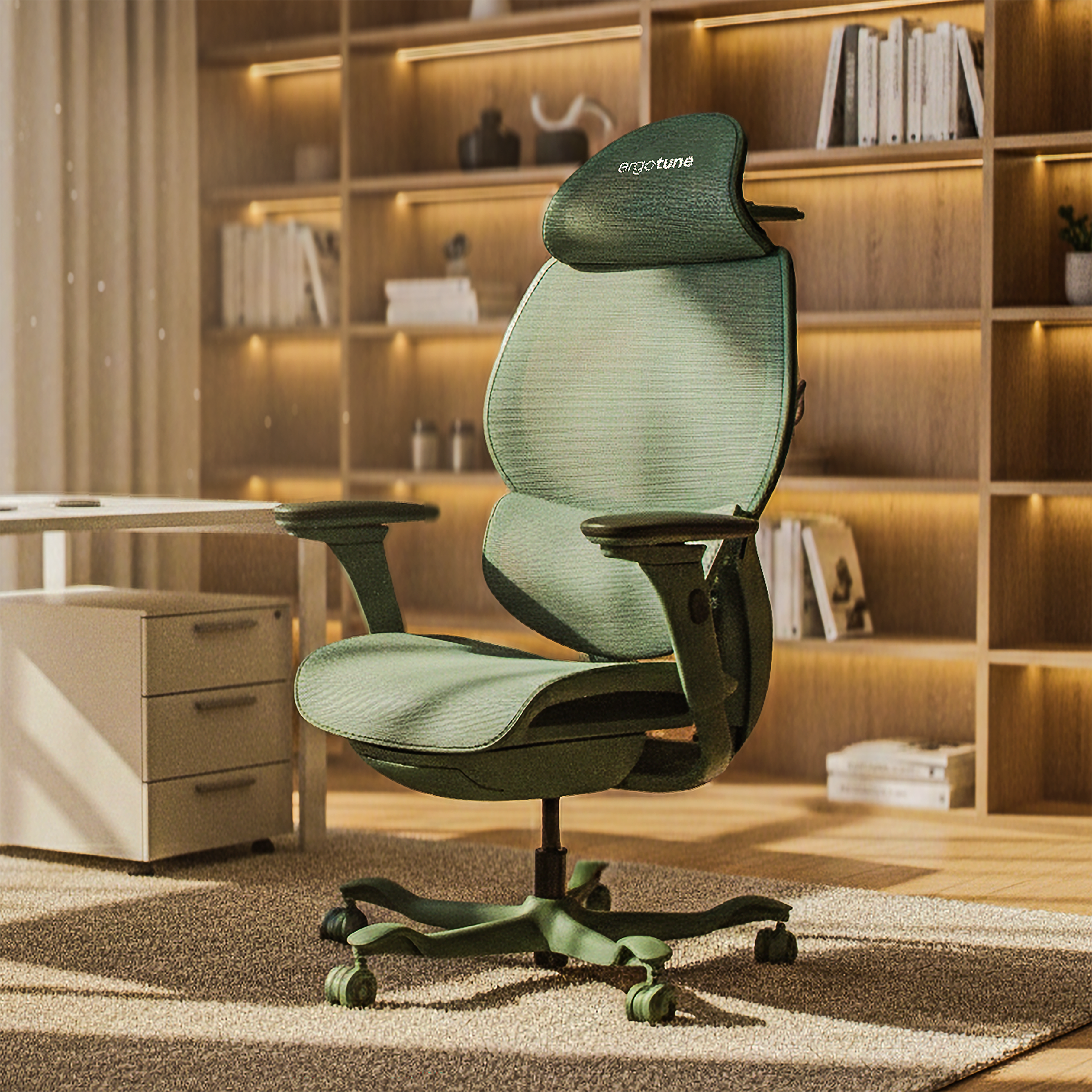
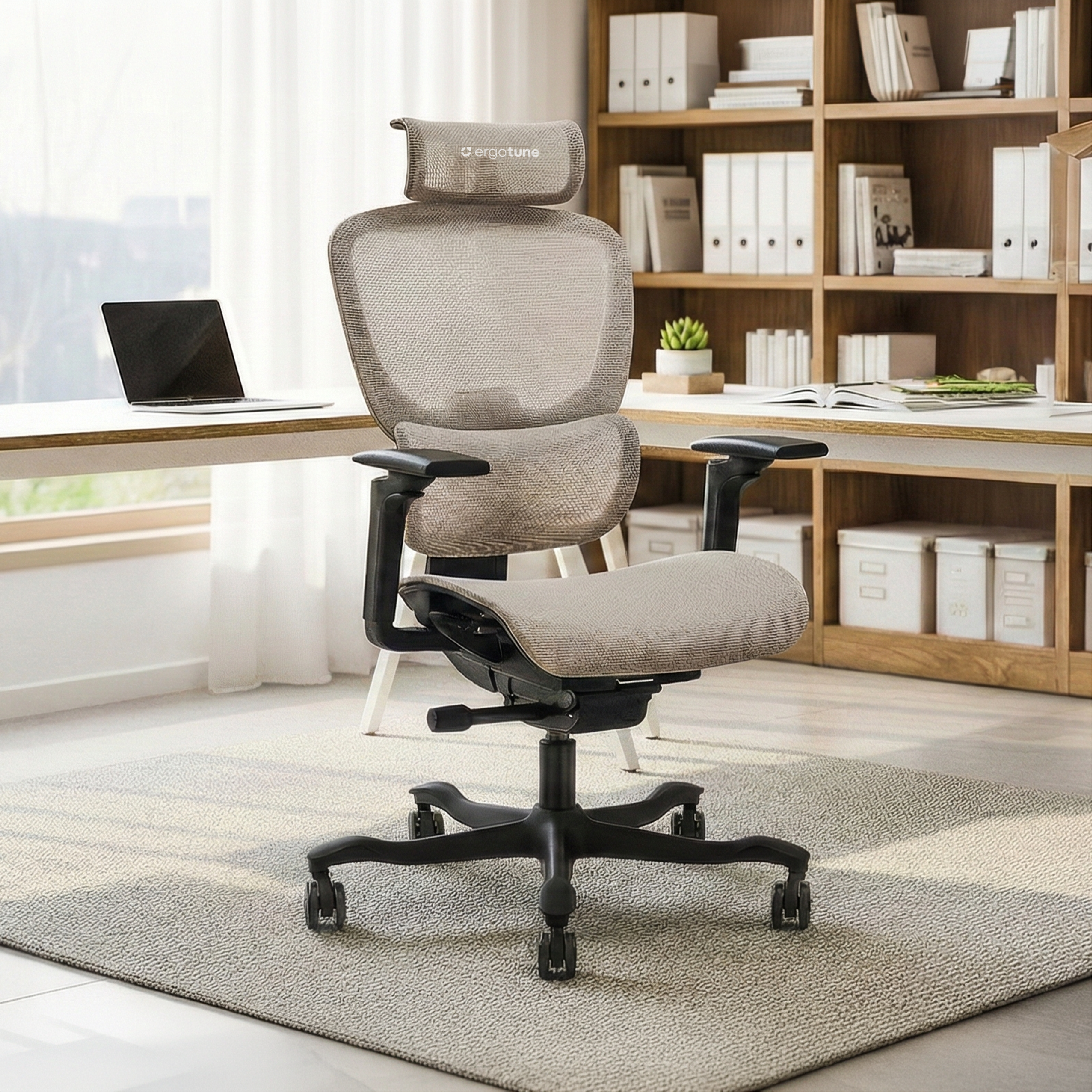
The ErgoTune Supreme is designed with exactly this in mind: fully adjustable lumbar support, 4D armrests, and a breathable mesh back that keeps you cool during long work sessions.
What Is the Correct Ergonomic Sitting Posture?
Good posture at a desk is less about sitting up ramrod straight and more about keeping your body in a neutral, relaxed position.
Here's what correct ergonomic sitting looks like:
- Feet: Flat on the floor (or on a footrest), hip-width apart
- Knees: Bent at roughly 90 degrees, level with or slightly lower than your hips
- Hips: Pushed back against the chair with your pelvis in a neutral position
- Lower back: In contact with the lumbar support of your chair
- Shoulders: Relaxed, not hunched up toward your ears
- Elbows: Close to your body, bent at 90 degrees
- Wrists: Straight, not bent up or down while typing
Per Mayo Clinic, sitting in the same position for hours is still harmful no matter how perfect your posture. Movement matters too.
How High Should My Monitor Be?
Monitor height is one of the most commonly overlooked parts of a home office setup, and getting it wrong leads directly to neck and shoulder strain.
The guidelines from Mayo Clinic
- Place your monitor directly in front of you, behind your keyboard
- Keep it 20 to 40 inches (50 to 100cm) from your face, roughly arm's length
- The top of the screen should be at or slightly below eye level
- If you wear bifocals, lower the monitor an extra 1 to 2 inches for comfortable viewing
If you're working from a laptop, the screen is almost certainly too low. An external monitor or a laptop stand paired with an external keyboard makes a significant difference and is one of the cheapest ergonomic upgrades you can make.
What Are the Best Ergonomic Chair Features to Look For?
Not all ergonomic chairs are created equal. Here are the features that actually matter:
Adjustable lumbar support: Your lower back has a natural inward curve. A good chair supports that curve, not fights it. Look for lumbar support that adjusts both vertically and in depth so it meets your specific back shape.
Seat height adjustment: You need to be able to set the seat so your feet sit flat on the floor. A seat that's too high puts pressure on the backs of your thighs; too low and your hips end up higher than your knees.
4D or 3D armrests: Armrests that only go up and down aren't enough. You want armrests that can also move forward and back, and pivot inward and outward, so your arms rest naturally regardless of what you're doing.
Adjustable seat depth: This lets you position the front edge of the seat two to three finger-widths from the back of your knees, which prevents pressure on your legs.
Breathable mesh back: If you live somewhere warm, this matters more than most chair brands will tell you. A solid foam or fabric back traps heat. Mesh keeps air circulating and helps you stay focused instead of sweating through your afternoon meetings.
The ErgoTune Supreme ticks all of these boxes, with 12 adjustment points developed specifically for long hours of seated work.
How Should I Position My Keyboard and Mouse?
This is where most wrist problems start. Follow the steps below to prevent injury:
- Place your keyboard directly in front of you, not off to one side
- Keep your wrists straight while typing, not bent up, down, or sideways
- Your upper arms should stay close to your body, with your hands at or slightly below elbow level
- Your mouse should be on the same surface as your keyboard, within easy reach, so you don't have to extend your arm to use it
If your desk has a hard, sharp edge, pad it or use a wrist rest. Contact stress from a hard edge is a real cause of wrist pain that's easy to fix.
How Often Should You Take Breaks When Working from Home?
Even a perfect ergonomic setup can't fully offset sitting in the same position for hours. Movement is non-negotiable.
Healthline covers the growing evidence around microbreaks: short, frequent breaks of 2 to 5 minutes taken every 20 to 30 minutes. Research suggests microbreaks can:
- Reduce musculoskeletal pain and discomfort
- Replenish energy and reduce afternoon fatigue
- Improve focus on lighter cognitive tasks
- Reduce work-related stress
A simple rule of thumb: set a timer for every 30 minutes. When it goes off, stand up, walk around, grab a glass of water, or do a quick stretch. It takes less than 5 minutes and makes a noticeable difference over the course of a full work day.
For your eyes specifically, the 20/20/20 rule is worth following: every 20 minutes, look at something at least 20 feet away for 20 seconds. This reduces eye strain from prolonged screen time.
Does an Ergonomic Setup Actually Improve Productivity?
Yes, and there's data to back it up.
The PubMed study referenced earlier found that Danish employees who received an adjustable desk, adjustable chair, and ergonomics training reported significantly better comfort and productivity compared to those who didn't. Specifically, ergonomics training combined with an external keyboard and adjustable desk corresponded to improved productivity scores.
The logic is straightforward: when you're not distracted by back pain, neck aches, or wrist discomfort, you can focus on actual work. Comfort and productivity aren't at odds with each other. A well-designed workspace serves both.
Your Ergonomic Home Office Checklist
Run through this before you start your next work day:
- Chair height set so feet rest flat on the floor
- Lower back in contact with lumbar support
- Armrests at elbow height, shoulders relaxed
- Monitor at arm's length, top of screen at or just below eye level
- Keyboard directly in front of you, wrists straight
- Mouse on the same surface as keyboard, within easy reach
- No items stored under the desk crowding your legs
- Break reminder set for every 20 to 30 minutes
Setting up a proper ergonomic home office takes less than an hour, but the impact on your comfort and focus adds up over years of work. Start with your chair. Everything else follows from there.
If you're looking for a chair that's built specifically for long hours and designed for Singapore's warm climate, ErgoTune offers a 3-week free trial with free returns. No risk, just better sitting.