



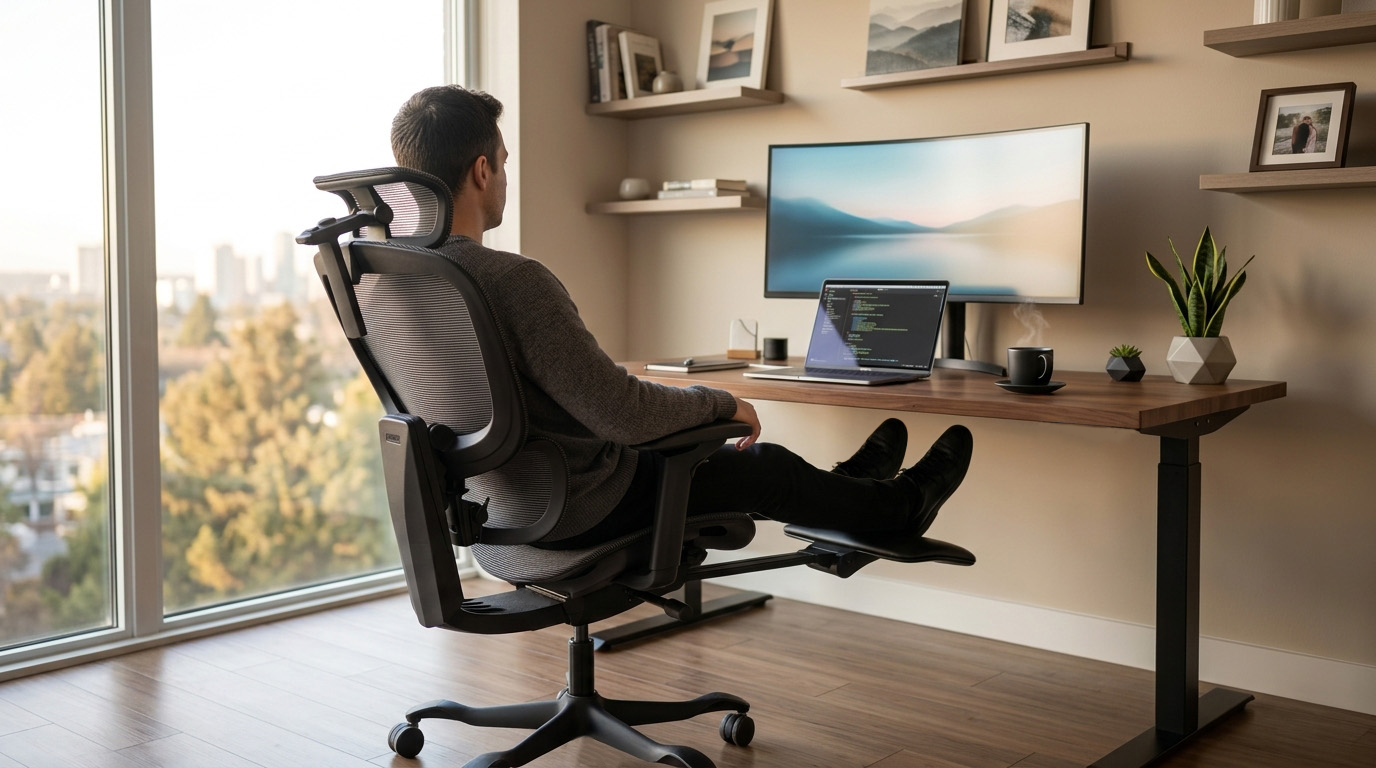
Buying an ergonomic office chair should not feel like reading a textbook. Most people just want to know what actually matters on the product page, what you can safely ignore, and how to tell if a chair will fit you.
We have already talked about what makes a chair comfortable in broader terms. This guide is the next step: a simple scorecard for choosing one, without drowning in jargon.
Quick take: Focus on seat height, lumbar support that actually hits your lower back, seat depth, and armrests that keep your shoulders relaxed. Then look at recline, breathable materials, and a warranty or trial you trust. Get those right and you are ahead of most shoppers.
Start with fit, not the feature count
A chair is “ergonomic” when it adapts to your body and your desk. A long bullet list on a product page does not guarantee that.
In practice, you want something close to what workplace ergonomics guides recommend:
- A backrest that supports the natural curve of your spine
- A seat height that lets your feet rest flat (or on a footrest)
- Armrests that keep shoulders relaxed and elbows close, if you use them
- A stable base you can roll without fighting the floor
- Enough adjustability that you are not locked in one stiff pose all day
Research on ergonomic workplace changes suggests they can help reduce work-related muscle and joint pain for many people, including lower back discomfort. Results are not identical for every body region, and no single product is a miracle fix. Still, improving how you sit is a smart place to start.
Studies on sitting furniture and fit also keep coming back to the same idea: when the chair does not match your body, discomfort and strain add up. Fit is something you can feel and check. It is not just a marketing word.
Feature scorecard: what is worth paying for
Use this when you compare options online or in a showroom.
Worth prioritising
- Seat height, feet flat, thighs supported, easy match to your desk
- Lumbar support, lands in the small of your back (adjustable is ideal)
- Seat depth, supports your thighs without digging behind the knees
- Armrests you can set, shoulders down while you type
- Recline with tension or lock, so you can change angle through the day
Nice extras
- Headrest (especially if you lean back on calls)
- Breathable mesh (a big deal in Singapore and Malaysia heat)
- Footrest or footpad for rest mode
Peace of mind
- Clear warranty
- A real trial or returns window so you can test full workdays
More adjustment points are only useful if they move the parts that touch you. A simpler chair with the right range often beats a “20-way” chair that never hits your lower back.
1. Seat height (set this first)
Get height wrong and every other dial is fighting you.
You are in a good place when:
- Both feet rest flat on the floor, or on a stable footrest
- Thighs sit roughly parallel to the floor
- The front of the seat is not jamming into the back of your knees
If height is off:
- Too high, feet dangle, pressure under the thighs, you slide forward and lose back support
- Too low, hips drop, lower back rounds, shoulders creep up toward the desk
On the spec sheet, look for an actual height range, not just the word “adjustable.” If two people share a desk at home, make sure the range works for both.
2. Lumbar support (placement beats fluff)
Lumbar support only helps when it sits in the small of your back. A giant foam roll that shoves you forward is not automatically better.
Research on office chair design during long sits has found that features like lumbar support and seat geometry can encourage more neutral spine and pelvic postures. Even then, some people still feel discomfort over time. So treat lumbar as one important piece, not the whole story. You still want to move, stand, and take breaks.
Look for:
- Height adjustment so the support meets your curve
- Depth or tension you can soften or firm up
- Contact when you sit all the way back, not only when you perch on the edge
You can usually skip:
- Flashy “AI” or massage claims if you cannot place the support where your back needs it
- Overly aggressive pads that feel great for five minutes and tiring after an hour
3. Seat depth (easy to overlook, hard to live with)
Seat depth decides whether your thighs get support and whether your lower back stays against the backrest.
Quick check: sit all the way back. You should fit about two to three fingers between the front edge of the seat and the back of your knees.
- Too deep, you slide forward and your lumbar floats in empty space
- Too shallow, thighs hang, hips take more load, fatigue shows up mid-afternoon
Furniture ergonomics research keeps pointing at dimensional match (including seat depth) as a major comfort factor. Soft cushions will not fix a seat that is simply the wrong length for your legs.
4. Armrests (your neck will notice)
Armrests sound minor until your shoulders spend eight hours slightly shrugged.
Good baseline:
- Arms rest gently
- Elbows stay close to your body
- Shoulders stay relaxed
Too high and you hike your shoulders. Too low and you lean. Too wide and you reach.
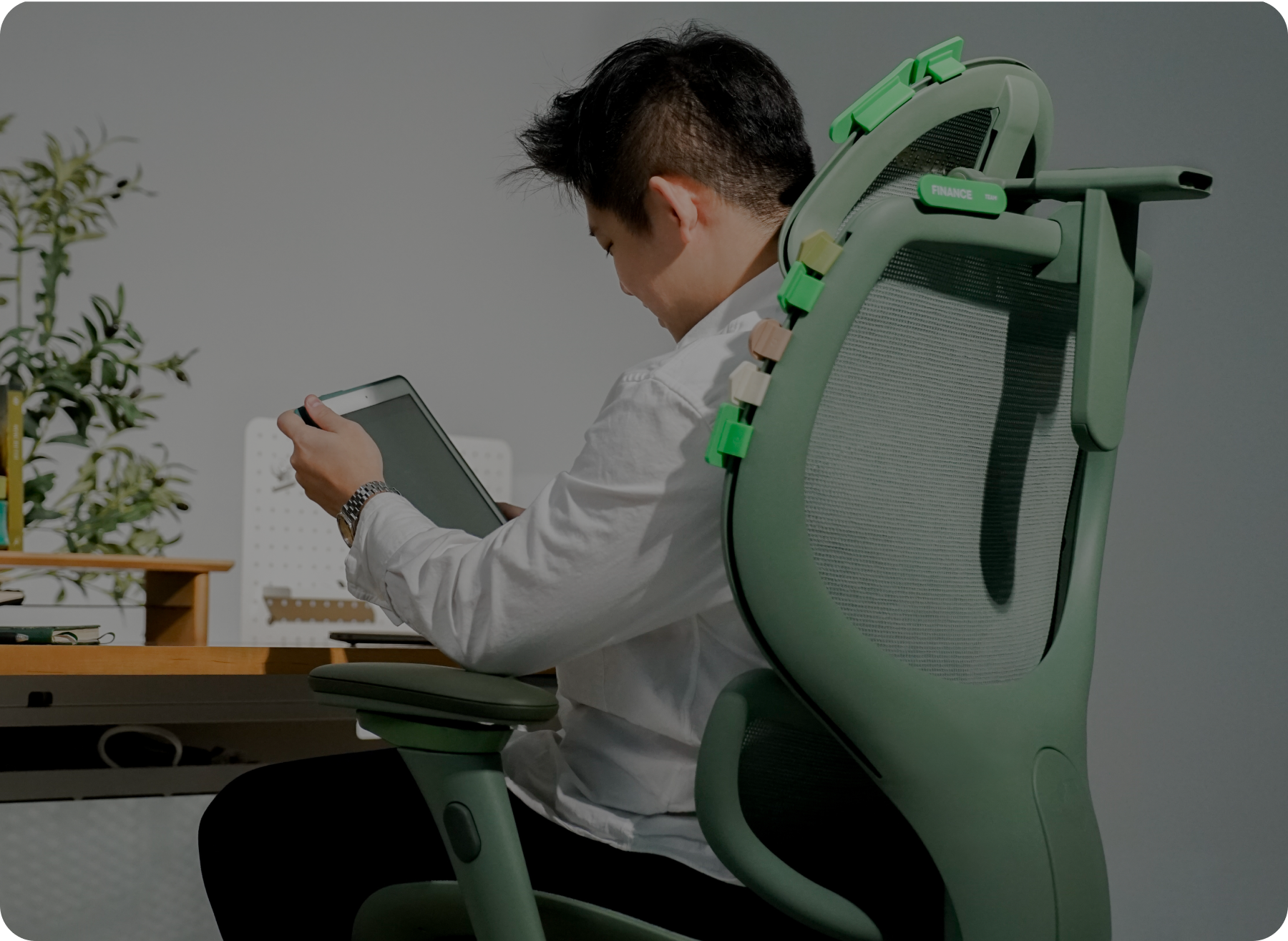
Height adjustment is the minimum. Width, depth, and pivot become useful if you type a lot, switch between mouse and keyboard, or pull the chair tight under a desk.
Broader ergonomics research has linked workplace ergonomic improvements with less reported pain in areas like the neck and wrists for many people. Armrests alone will not “cure” anything, but they are one of the easiest ways to stop holding tension all day.
5. Recline and movement
The goal is not a perfect statue pose from 9 to 6. Bodies like a change of angle.
A backrest that opens up a bit, with tension you can control (and a lock if you want one), lets you work upright, then ease back on calls or reading. Reviews of sitting furniture treat long static sitting as a real strain context. Pair a decent recline with short breaks and you will feel the difference more than another inch of foam.
Chair studies on prolonged sitting also show a useful reality check: better posture metrics do not always erase discomfort. Build movement into the day on purpose.
6. Headrest, mesh, and the climate you actually live in
Headrest helps most when you recline. If you never lean back, it is optional. Prefer one you can raise, angle, or slide, not a fixed pad that only looks good in photos.
Mesh matters more in warm, humid rooms. In Singapore and Malaysia, breathable backs and seats often matter as much as lumbar specs. Look for mesh that stays supportive and does not turn into a sticky trampoline by 3pm.
Base and casters should feel stable (five legs is the usual standard) and match your floor so rolling is easy, not a workout.
7. Warranty, trial, and reviews that say something real
A great feature list means little if the mesh sags in year two or you cannot return a bad fit.
Check:
- How long the warranty runs, and what it actually covers
- Whether you get enough days to test real work sessions, not a five-minute sit
- Reviews that mention all-day comfort, lower-back placement, and heat, not only unboxing
Recent evidence is encouraging on ergonomic improvements overall, and it also leaves room for better long-term data. Your own trial period is still the best “study” for your body.
How to dial in a new chair
Change one thing at a time:
- Seat height
- Seat depth
- Lumbar
- Armrests
- Recline tension
- Headrest (last)
Then set your monitor and keyboard to the chair, not the other way around. If you are building the full desk setup, pair this with a proper home-office layout guide once you have one live.
Putting it together
When a chair covers the essentials above, height range, usable lumbar, seat depth, sensible arms, recline, breathable materials, and solid buyer protection, you are looking at a real ergonomic option, not just a stylish task chair with a buzzword on the box.
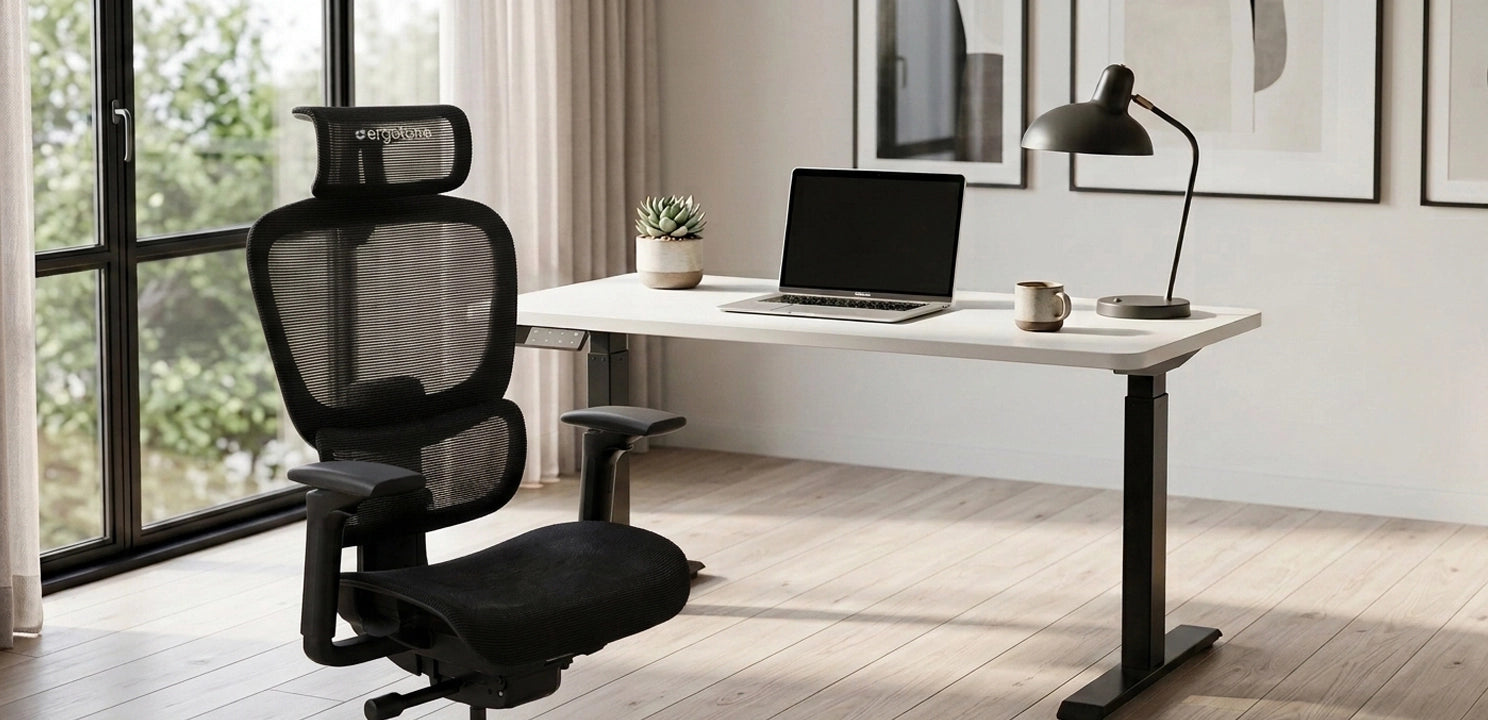
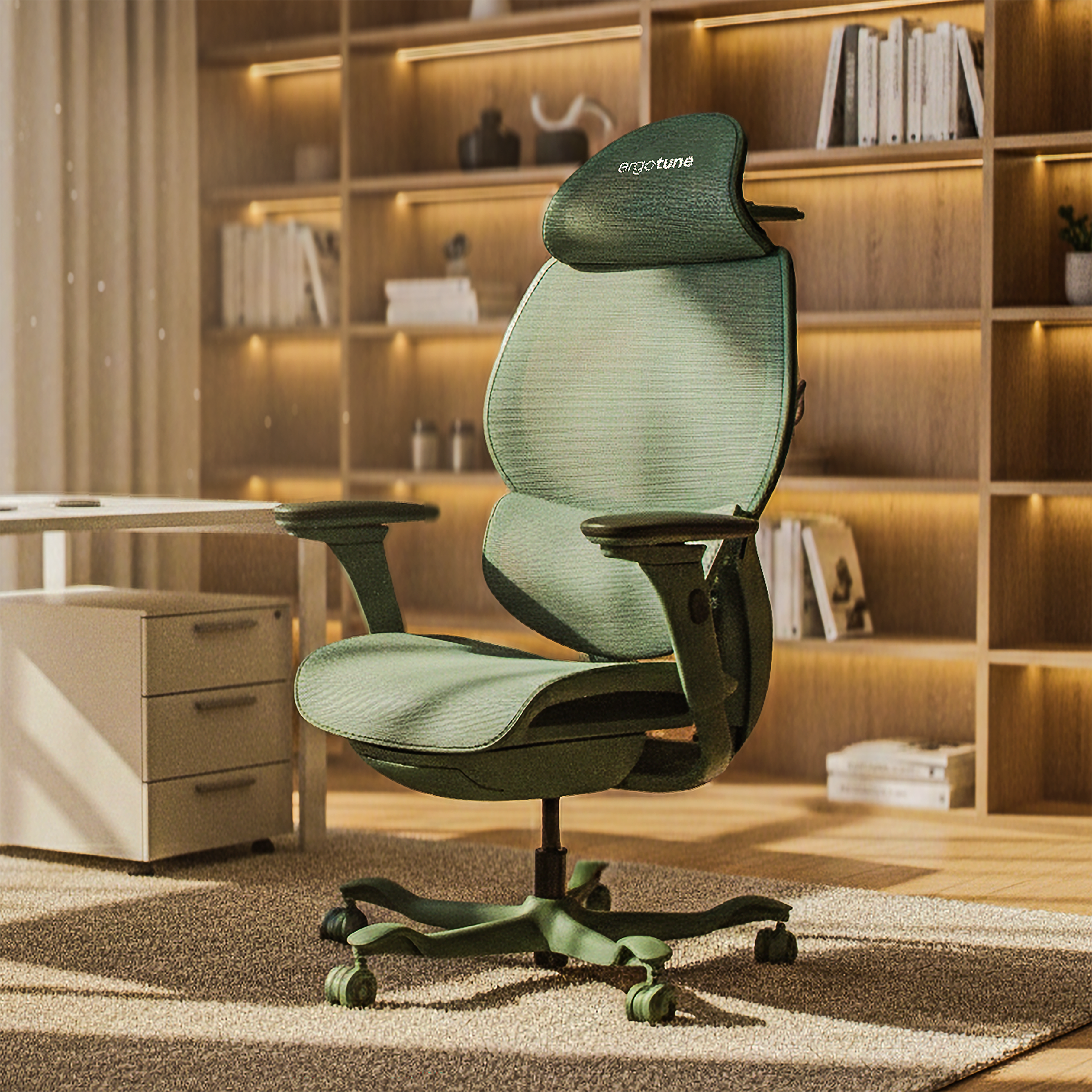
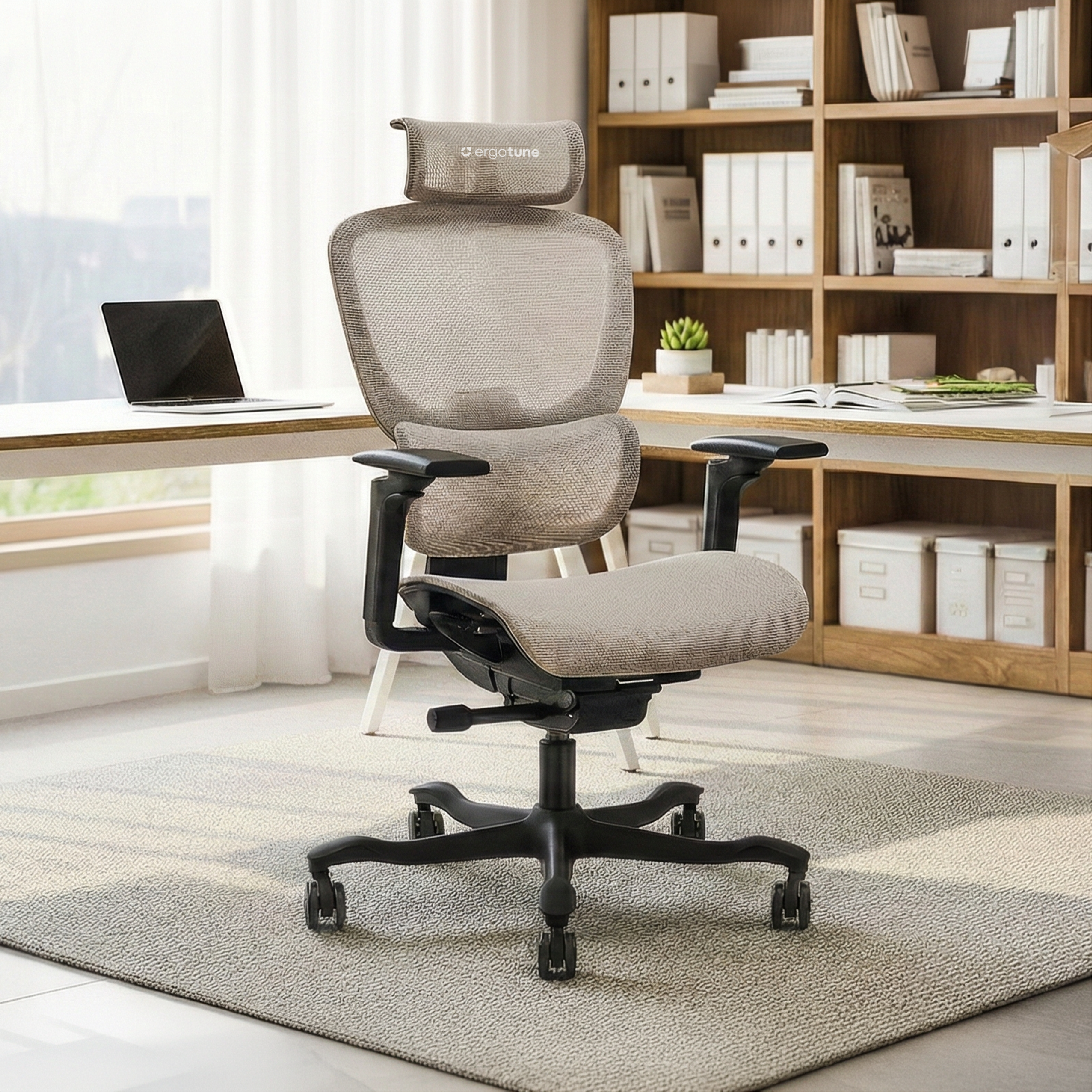
In the ErgoTune lineup, models like the Joobie are built around that kind of adjustability (seat height and depth, SmartFlex lumbar, multi-way arms, mesh for warmer climates, plus warranty and trial coverage). The Supreme and Vesby sit nearby if you want a different balance of features and price. Use the scorecard first; pick the model second.
Quick checklist before you buy
- Feet flat (or footrest) at a comfortable desk height
- Two to three fingers behind the knees with your back against the backrest
- Lumbar hits the small of your back
- Armrests support elbows without raising your shoulders
- Recline feels natural, not springy or stuck
- Mesh or fabric still feels fine after 30+ minutes in your climate
- Warranty and trial or returns are written clearly
- You tested a real typing posture, not just a showroom perch
Choosing a chair is mostly a fit problem. Rank height, lumbar, seat depth, and arms. Confirm recline, materials, and after-sales support. When those line up, the chair disappears under you and work gets a little easier.